Splicebatch Feature

Split large CSV files by column value in seconds

Stop struggling with crashing text editors or broken Excel delimiters. Upload your text-based CSV database, choose the separator column, and let Splicebatch extract clean individual documents automatically.
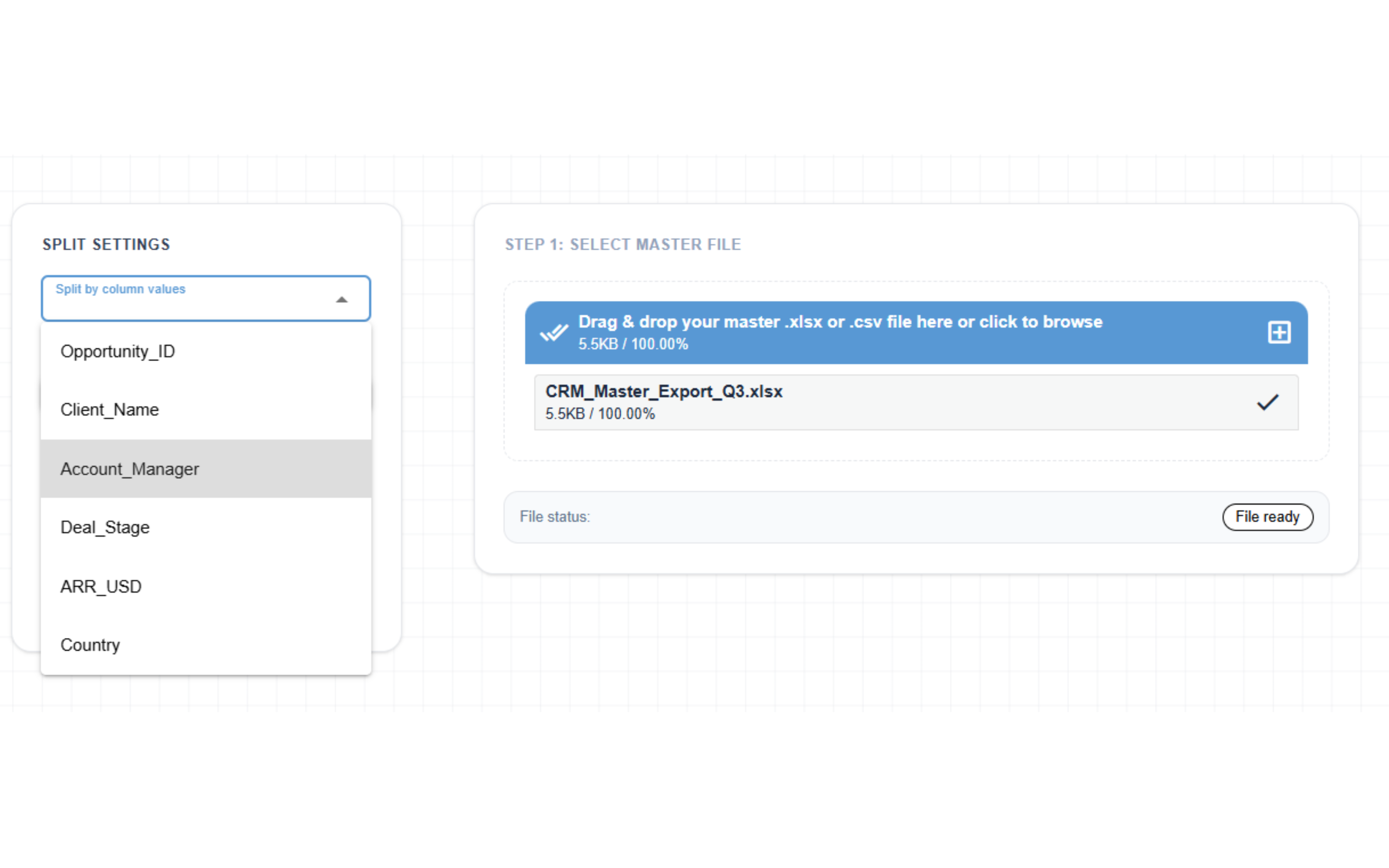
Splicebatch CSV Splitter interface

Split CSV tables in 3 simple steps

1

Upload CSV Table

Drop your data-heavy comma-separated or semicolon-separated .csv file directly into our secure workspace.

2

Select Target Column

Choose the specific column containing your unique values (like region, client, or date) to group and separate your rows.

3

Download Filtered ZIP

Instantly process millions of rows directly inside your browser memory and download a single compressed ZIP archive containing all clean documents.

Frequently Asked Questions

What CSV delimiters and separators are supported?

Splicebatch is built for performance. Our automated backend dynamically handles standard comma-separated layouts as well as European semicolon-separated (; ) configurations without breaking data alignment.

Can I split large CSV files without memory crashes?

Absolutely. Unlike heavy desktop software or spreadsheet editors that freeze with big data, Splicebatch streams and isolates row-by-row matrix conversions locally, keeping performance snappy and stable.

Are my data records safe from external servers?

Completely. All data parsing, separation, and compilation occur entirely inside your browser's client-side secure memory workspace. No data row, corporate metric, or PII token is ever uploaded, processed, or saved on external servers.

Ready to automate your CSV data cleaning?

Join smart developers and analysts who stop wasting their afternoons on slow manual data filtering tasks.

Try CSV Splitter For Free